Send dead URLs to the homepage
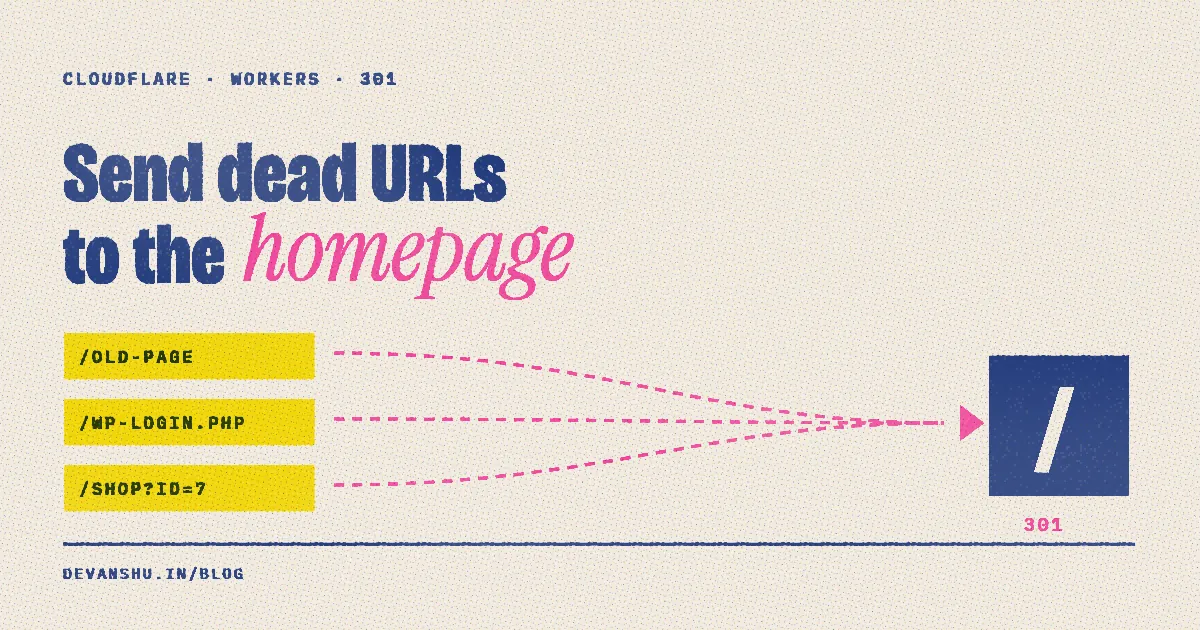
Short answer: On Cloudflare Workers with static assets, add a main script to wrangler.jsonc and leave run_worker_first off. Cloudflare serves real files first and only runs the script when no file matches, so the script can return a 301 to / for page requests and a plain 404 for files. Real pages stay at 200, and every dead URL a person or crawler opens lands on the homepage.
devanshu.in belonged to someone else before me. Their old links are still out there, in search results, bookmarks and other people's pages, and every one of them used to land on an empty 404. On top of that come bots probing for /wp-login.php and typos. I wanted all of it to land on my homepage instead.
What did the site do before?
The site is plain HTML deployed on Cloudflare Workers as static assets, with no config file. Asking for a page that doesn't exist gave this:
$ curl -sI https://devanshu.in/this-does-not-exist
HTTP/1.1 404 Not Found
No body at all. That's the default not_found_handling: "none": Cloudflare finds no file and returns a bare 404.
How do you redirect only the missing pages?
A catch-all rule in _redirects won't work: redirects there are applied before files are matched, so /* / would redirect real pages too. A Worker script is the right tool, because by default Cloudflare only runs it when no static file matched.

The config is short. main points at the script, and assets serves the repo root as before:
// wrangler.jsonc
{
  "name": "devanshu",
  "compatibility_date": "2026-10-01",
  "main": "worker.js",
  "assets": { "directory": ".", "binding": "ASSETS" }
}
If the script runs at all, the file wasn't there. It only has to decide whether the request was for a page:
// worker.js: runs only when no static file matches the request
export default {
  async fetch(request) {
    const url = new URL(request.url);
    const page = request.headers.get('Sec-Fetch-Dest') === 'document'
      || (request.headers.get('Accept') || '').includes('text/html');
    if (!page || url.pathname.startsWith('/.well-known/')) {
      return new Response('Not found', { status: 404 });
    }
    return new Response(null, {
      status: 301,
      headers: { Location: new URL('/', url).href, 'Cache-Control': 'public, max-age=3600' },
    });
  },
};
My first version redirected everything, and PageSpeed Insights caught the problem: it fetched /.well-known/ai-catalog.json, got my homepage's HTML back, and reported "malformed JSON". A missing image, script or JSON file should stay a 404. Browsers and crawlers opening a page send Accept: text/html, so they still get the redirect.
Two details:
- Keep the script and config out of the public files. With
"directory": "."they'd be served too. Addworker.js,wrangler.jsoncand.wranglerto.assetsignore. Without.wranglerin there,wrangler devwrites its local state into the folder it's watching and reloads forever. - Cap how long browsers cache the 301. Browsers keep a 301 for a long time. If I later publish a page at a path someone already hit, a cached redirect would hide it from them. One hour is enough.
Does it work?
Tested locally with npx wrangler dev:
| Request | Result |
|---|---|
/, /blog/riso-print-webgl, /media/reel.webp |
200 |
/wp-login.php opened as a page |
301 → / |
/old/page?x=1 opened as a page |
301 → / |
/worker.js, /wrangler.jsonc |
not served: 301 as a page, 404 as a file |
/.well-known/ai-catalog.json |
404 |
Real pages, images and blog posts are untouched. Every dead page goes home. To test with curl, send the header a browser would: curl -sI -H "Accept: text/html" https://example.com/nope.
What about 5xx errors?
A static site on Workers barely has any. There's no origin server to go down, and the script above has nothing in it that can throw. If you do have a Worker that does real work, you can catch its errors the same way: wrap the handler in try/catch and return the same 301 from the catch. Errors from Cloudflare's own edge never reach your code, so no script can redirect those.
Is redirecting 404s to the homepage bad for SEO?
Not in a way that hurts. Google usually treats a mass redirect to the homepage as a "soft 404": the old URL drops out of the index and passes nothing on. That's what I want for someone else's old pages. Visitors land on my work instead of a blank screen. If an old URL has a real equivalent on your site, redirect it there specifically.
Deploying with Workers Builds
If the site deploys from GitHub through Workers Builds, adding wrangler.jsonc is all it takes. The name field doesn't have to match the Worker's name in the dashboard: Workers Builds overrides it with the connected Worker's name on Wrangler v3 and up. Push, and it's live in about a minute.
If you've bought a used domain and want the site on it to look like it was always yours, that's the kind of thing I build.
FAQ
How do I redirect all 404 pages to the homepage on Cloudflare?
On Workers with static assets, add a main script in wrangler.jsonc that returns a 301 to /. Cloudflare runs it only when no static file matches the request, so real pages keep working.
Why not use a catch-all rule in _redirects?
Rules in _redirects apply before files are matched, so /* / would also redirect pages that exist. The Worker script only sees misses.
Should the redirect be 301 or 302?
301 says the old URL is gone for good, which fits a previous owner's pages. Add a short Cache-Control so browsers don't keep the redirect forever, in case you publish at that path later.
Should missing images and JSON files redirect too?
No. Return a plain 404 for anything that isn't a page request. Otherwise tools that expect JSON or an image get your homepage's HTML, and audits like PageSpeed Insights flag it as malformed.
Will this run my Worker on every request?
No. With run_worker_first left off (the default), static files are served without invoking the script. Only missing paths run it.
Can I show a custom 404 page instead?
Yes. Set "not_found_handling": "404-page" under assets and add a 404.html. Cloudflare serves the nearest 404.html with a 404 status, without needing a script.