Render a canvas animation to video, frame-perfect
Short answer: Take control of time. In a headless browser, replace performance.now and requestAnimationFrame with a virtual clock, advance it by exactly one frame, screenshot, and repeat. Then join the frames with ffmpeg. No dropped frames, however heavy the shader.
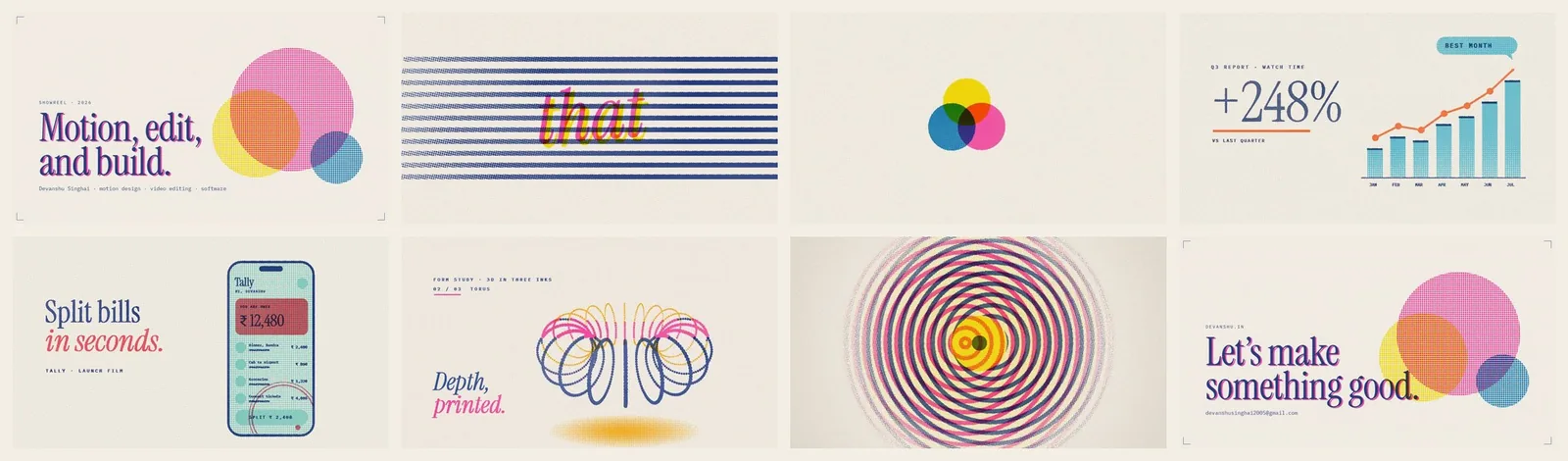
My showreel is 58 seconds of WebGL pieces printed by a custom risograph shader. Screen recording them stuttered, because the GPU could not hold 60fps while also encoding. So I stopped recording real time and started rendering fake time. The tool is about 30 lines of Node.
Why does screen recording drop frames?
Screen recorders, OBS and MediaRecorder all sample the page in real time. If a frame takes 40ms to render, the recorder either repeats the last frame or skips ahead. The video judders exactly where the animation is busiest, which is usually the part you care about.
The virtual clock
Inject this before any page script runs. Time stands still until __step is called:
await page.addInitScript(() => {
  let now = 0, q = [];
  performance.now = () => now;
  window.requestAnimationFrame = cb => (q.push(cb), q.length);
  window.__step = dt => {
    now += dt;
    const run = q; q = [];
    run.forEach(cb => cb(now));
    // CSS transitions and Web Animations follow the same clock
    document.getAnimations().forEach(a => {
      if (a.__v === undefined) { a.pause(); a.__v = 0; }
      a.__v += dt; a.currentTime = a.__v;
    });
  };
});
The document.getAnimations() part matters. Without it, CSS animations keep running on the real clock and drift out of sync with the canvas.
The capture loop
const FPS = 30, sub = 60 / FPS;
for (let i = 0; i < seconds * FPS; i++) {
  for (let k = 0; k < sub; k++) await page.evaluate(() => window.__step(1000 / 60));
  await page.screenshot({ path: `out/f${String(i).padStart(5, '0')}.jpg`, quality: 92 });
}
Stepping in 1/60s ticks even for a 30fps video keeps physics and easing code that assumes small steps behaving the same as live. A speed multiplier on dt lets you play a slow piece faster for a reel cut.
Two practical notes for WebGL: launch Chrome with --enable-gpu --ignore-gpu-blocklist (on Windows, --use-angle=d3d11), or headless falls back to software rendering. And wait for web fonts before the first frame.
Encode with ffmpeg
ffmpeg -framerate 30 -i out/f%05d.jpg -c:v libx264 -crf 22 \
  -pix_fmt yuv420p -movflags +faststart piece.mp4
yuv420p keeps it playable everywhere, and +faststart lets the browser start playing before the file finishes downloading.
FAQ
How do I export a canvas or WebGL animation to MP4 without dropped frames?
Replace the page's clock. Override performance.now and requestAnimationFrame so time only advances when your script says so, step the clock by exactly one frame, take a screenshot, repeat, then join the screenshots with ffmpeg.
Why not use MediaRecorder?
It records in real time, so any frame the GPU misses is lost or duplicated. A virtual clock decouples render time from video time, so a heavy shader that runs at 10fps live still produces a smooth 30fps video.
Does this work for Three.js, p5.js, GSAP or Lottie?
Yes, if they schedule frames with requestAnimationFrame and read time from performance.now or the rAF timestamp, which all of them do by default.
What about Date.now()?
Override it the same way if your code uses it. Mine did not need it.
How long does a render take?
It depends on resolution and shader cost, not on the video length. A slow machine takes longer but never produces a worse video.